Carnivore Spotter - A citizen-science web application for reporting and tracking sightings of carnivores in urban areas.

UX/UI Design
Project Overview
The Woodland Park Zoo launched the Urban Carnivore project to study how carnivores coexist with people in urban and suburban areas around Seattle. The Carnivore Spotter app was built to support the project by providing Seattle residents with a platform to report sightings of carnivores in their areas, thus increasing community awareness surrounding carnivores in our daily urban environments and aiding research efforts.
My Contributions
I joined this project after the initial development phase. My role was to make improvements as part of a second phase of work, using user insights gathered after the initial release. I was responsible for improving the usability of the platform, adding an FAQ page, enhancing the visual design, and upgrading the filtering features.
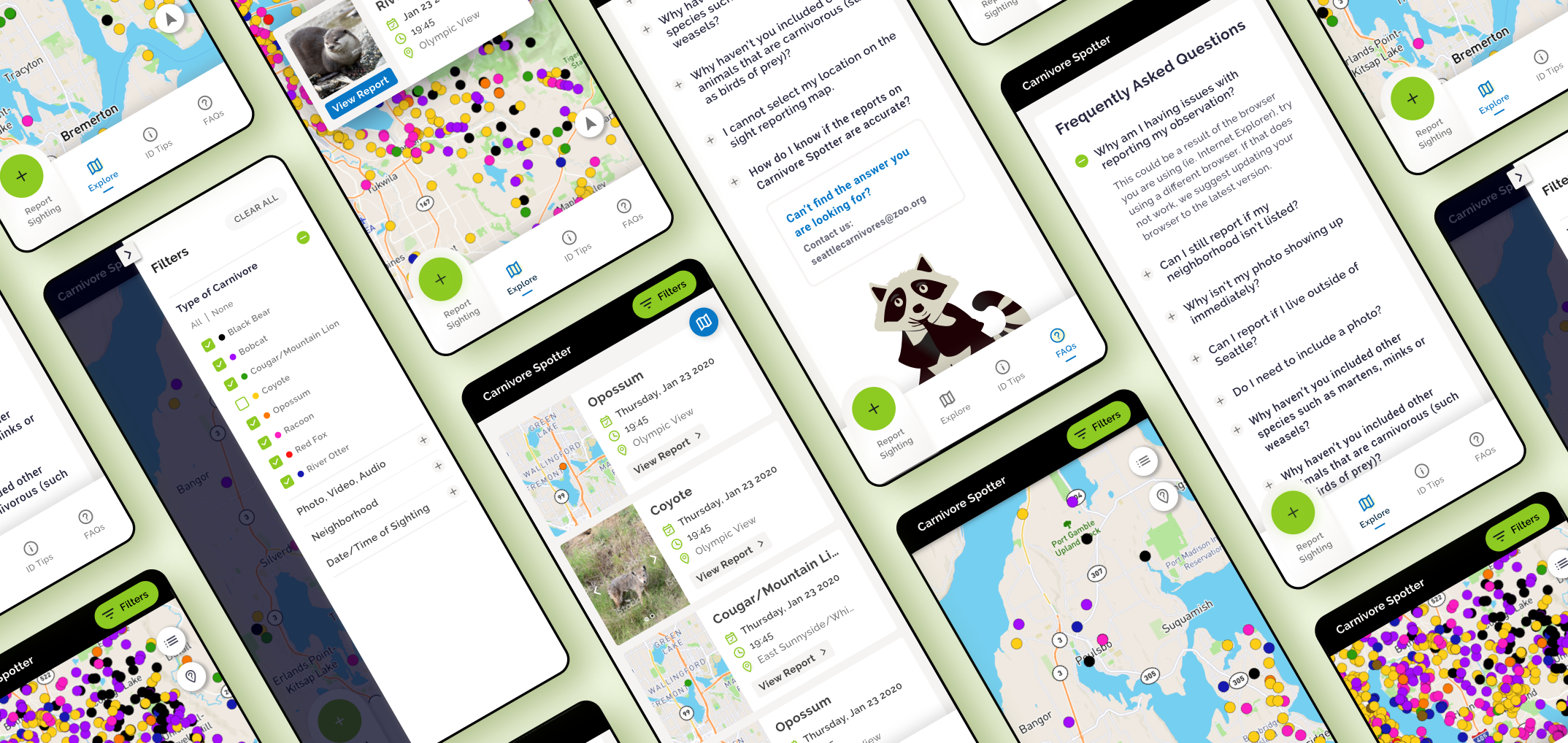
As the number of sightings grew, it was important to have robust filtering to help users find relevant reports. After the initial launch, we gathered user feedback from a dozen users and I leveraged the insights to identify ways to improve the filters.

Users reported getting lost in the filters, especially while scrolling through the long list of neighborhoods. To fix the issue, I decided to add fixed headers for each filter category that would always be visible, and allow the user to collapse the filter categories as needed. I also added the ability to search for a neighborhood instead of scrolling.

Users were especially interested in seeing reports that had media attached (photos/videos/audio), so we added the ability to narrow down the results to only display those with media.
Enhancing filtering capabilities
The initial MVP used the same font for each element in the various UI Cards throughout the application; every element was the same size, weight, and color. This made it difficult for users to find relevant information. To combat this, I added visual hierarchy by utilizing different weights and contrasts and adding icons to draw users' eyes to the relevant information.

We noticed that users would unintentionally hit the wrong report by accident and we knew that this issue would deepen as the number of sightings on the map grows. Before the issue worsened we decided to display all reports within the touch point area (40px) in a carousel style card component instead of just bringing up a single report.

Redesigning UI Cards
I evaluated the interface for high-priority usability issues and flagged a couple of issues: the lack of font variation made it difficult to parse out relevant information, and the lack of button states made it difficult to know which elements were interactive. I made updates to the site typography to make better use of size and contrast and I desiging interaction states for all of the buttons.
Improving general usability
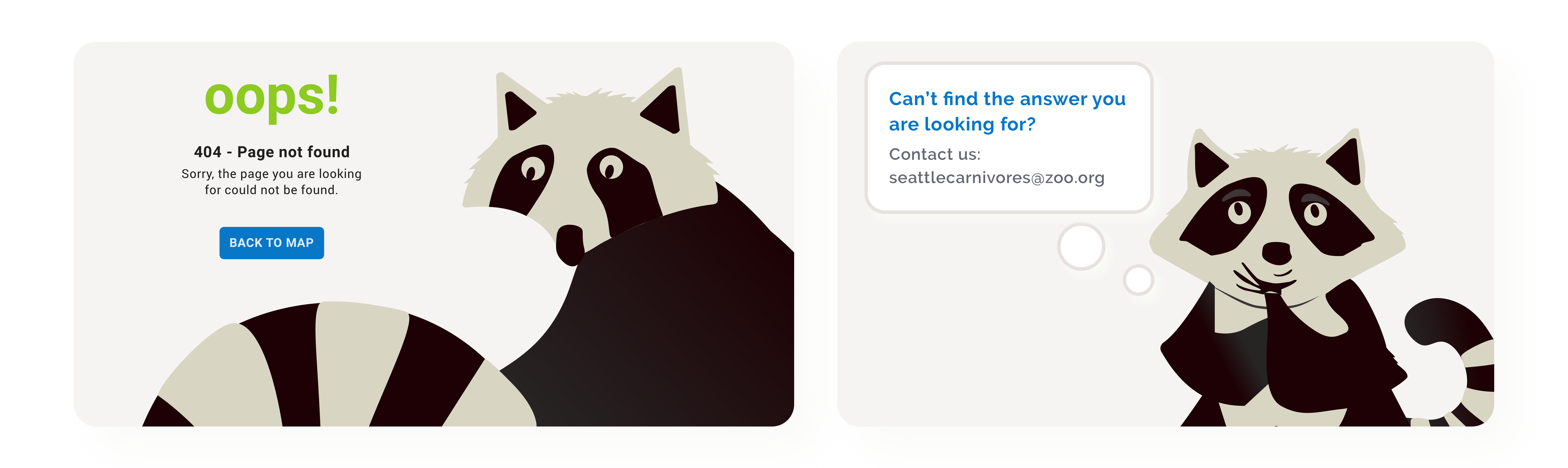
For the initial MVP we traded visual flair for functionality. We anticipated that most users would be researchers however, post launch we realized that a lot of families used the application. We wanted to keep families engaged, so I decided to add a little personality to the application by adding some illustrations of a raccoon and ensuring that all elements have rounded corners to give a sense of warmth and friendliness.
Adding personality